
verify checks addresses you bring yourself. It draws on your verification-check pool, which is separate from contact credits, and recent re-checks are free.
One address
npx argorant verify someone@company.comPrints the address, its status and whether it is deliverable.
A whole file
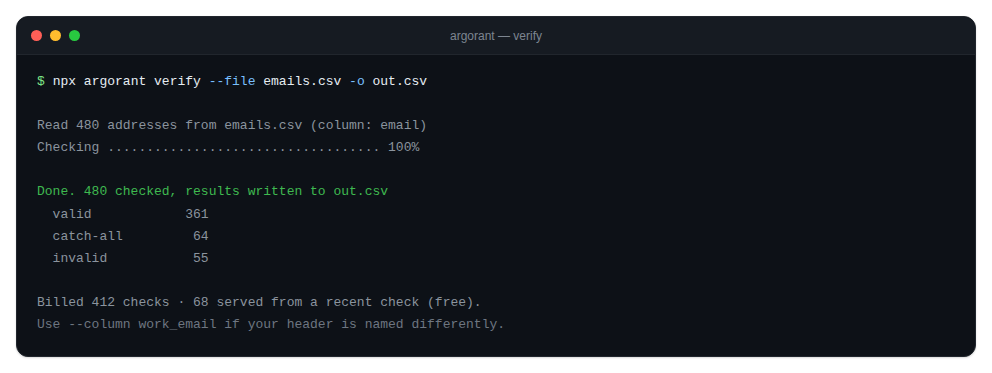
npx argorant verify --file emails.csv -o out.csv
npx argorant verify --file contacts.csv --column work_email -o out.csv- The file is read and addresses are extracted. If it looks like a CSV with a header, the column named
email(or the one you name with--column) is used. Otherwise every line is scanned for an address. - Addresses are deduplicated, so you never pay twice for the same one in a run.
- They are sent in chunks of 500 with a live progress line.
- A CSV with
email,status,deliverableis written to your-opath, defaulting toargorant-verified.csv.
The summary line reports how many were deliverable, how many checks were billed, and how many were free because a recent check already existed.
Non-interactive behaviour
Like reveal and export, verify --file only prompts when stdin is a terminal and neither -y nor --json was passed. In an agent loop it starts immediately.
Contacts exported from Argorant are already verified at export time, so this command is for lists that came from elsewhere.
If no address is found in the file, the command aborts and suggests --column rather than silently doing nothing.