
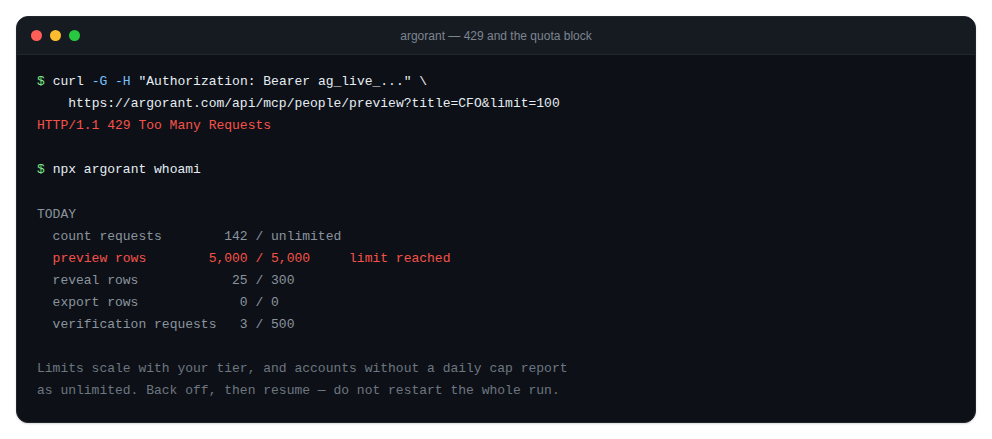
A 429 means you hit a rate limit or the daily quota for that action. Limits scale with your tier, and the account endpoint tells you exactly where you stand.
See your position first
npx argorant whoamiThe quota summary reports used against limit for the current day per action: count requests, preview rows, reveal rows, export rows and verification requests. Accounts without a daily cap are reported as unlimited.
What to do
- Back off. An exponential retry with jitter is the right shape, not a tight loop.
- Batch instead of iterating. One export of 1,000 rows is one job. A thousand single reveals is a thousand requests.
- For verification, send batches of up to 500 addresses per request instead of one call per address.
- If you hit a daily quota rather than a burst limit, the fix is time or a higher tier, not retries.
For agents
The CLI exits with code 4 on a 429. Treat that as a scheduling signal: pause the run, report the remaining work, and pick it up later. Anything already created is safe. Exports that were already billed stay downloadable with argorant export download, so a rate limit never costs you a finished job.
Counts and previews are free but still rate limited, because a runaway loop is a runaway loop regardless of price.