
The CLI accepts an ag_live_ key. Create one at Profile, API keys, then choose how to supply it.
Interactive
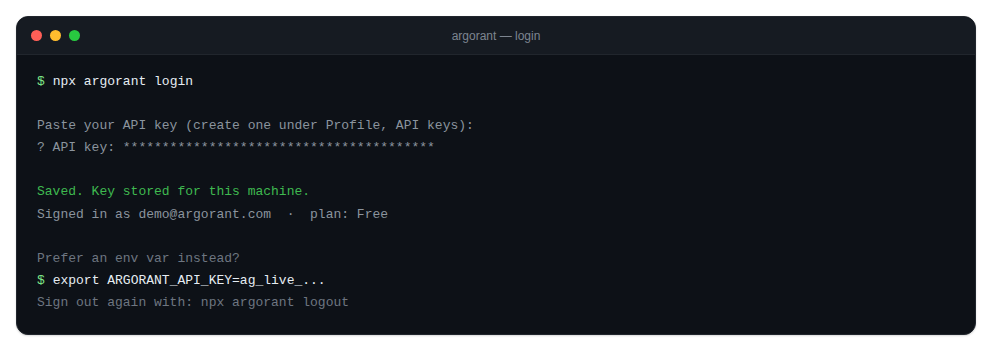
npx argorant loginIt prompts for the key with the input masked, validates it against the account endpoint, and stores it. A rejected key fails immediately with a clear message rather than being saved and failing later. You can also pass the key inline: argorant login <key>.
Environment
export ARGORANT_API_KEY=ag_live_...This is the right shape for scripts, CI and agents. Nothing touches disk.
Precedence
ARGORANT_API_KEYin the environment wins over everything.- Otherwise the key saved by
argorant loginis used. - With neither, commands exit with code
2and tell you to log in.
The saved key lives in ~/.argorant/config.json, written at mode 0600. A non-default --base is stored alongside it.
Logout
npx argorant logoutThis removes the config file. If ARGORANT_API_KEY is still set in your environment, the CLI warns you, because that variable takes precedence and would keep you logged in. Unset it too.
Base URL
An explicit --base on any command wins over the stored one, and ARGORANT_API_BASE overrides both. You rarely need this outside of testing.