
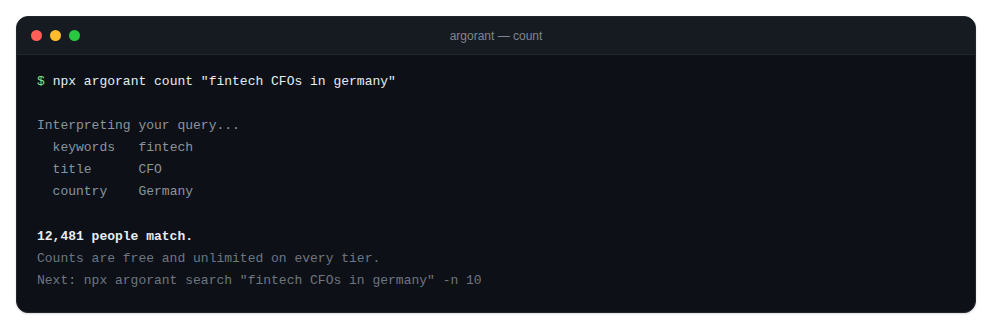
The Argorant CLI is a dependency-free wrapper over the same REST API everything else uses. It needs no install:
npx argorant count "fintech CFOs in germany"Or install it globally with npm install -g argorant. The package is named argorant on npm.
Command families
login,logout,whoami: authentication and account statecount,search,company: free explorationlist create,list status: saved segments, freereveal,export: paid contact dataverify: check your own addressescampaigns: operator keys only, a separate internal surface
The one rule
reveal, export and verify --file ask for confirmation only when stdin is a terminal and you passed neither -y nor --json. In CI, in a pipe, or inside an agent loop there is no prompt at all and these commands spend immediately. The prompt is a convenience for humans, never a safety net. Check your -n before you run them.
Guardrails that are always on
- A non-numeric
-naborts instead of falling back to the default limit. - A value flag followed by another flag aborts instead of swallowing it.
exportchecks the output path is writable before creating the job, and prints a recovery command if anything fails after billing.
Full CLI reference: argorant.com/docs/cli.