
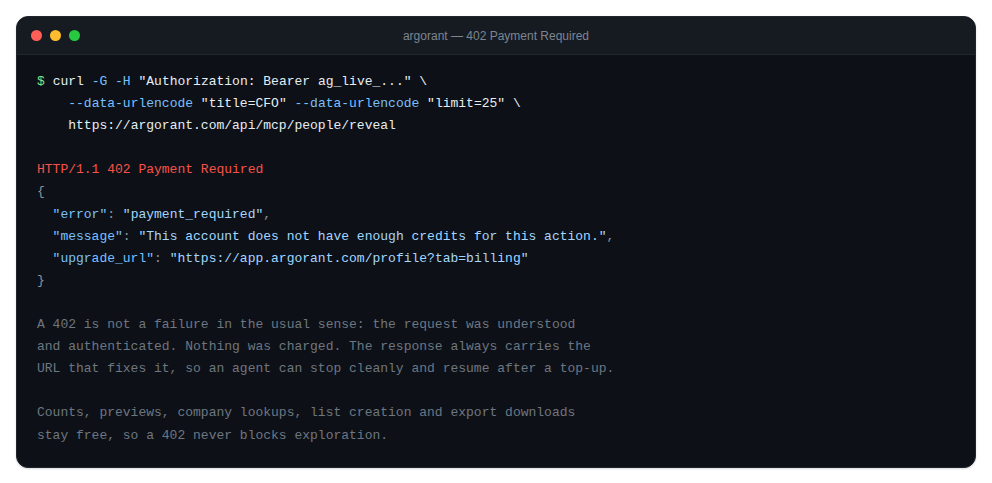
A 402 is deliberately not an error in the usual sense. It means the request was understood and authenticated, but the account does not currently have the plan or the balance for it. The response always carries the URL that fixes it.
When it happens
- The wallet balance is empty and an agent tried to reveal or export.
- The action requires a paid plan and the account is on the free tier.
- A large export would exceed what the account can pay for.
What to do
- Read the URL out of the response rather than hardcoding one. It points at the right fix for that account.
- Top up the wallet at Home, or start a plan. Credits are booked the moment payment completes.
- Retry the exact same call. Nothing was consumed by the failed attempt.
For agents
The CLI exits with code 5 on a 402, kept deliberately distinct from the generic error code 1. That lets an agent tell this account needs credits apart from something broke, and respond appropriately: surface the top-up link to the human and stop, instead of retrying in a loop.
Counts, previews, company lookups, list creation, export status and export downloads are all free, so a 402 never blocks exploration. An agent that hits one can keep working on everything except the spend.