
Claude Code adds MCP servers from the terminal. One command is enough:
claude mcp add --transport http argorant https://mcp.argorant.com/mcpThe first tool call triggers the OAuth sign-in. After you approve, the connection persists for that project. Ask Claude Code something free first, for example to count logistics operations leaders in the Benelux, so you can see the tools respond before anything is spent.
Pair it with the CLI
Claude Code is a terminal agent, so the Argorant CLI is often the better tool for file-producing work. Give it a key in the environment and it can run exports that land as real files in your repo:
export ARGORANT_API_KEY=ag_live_...
npx argorant count --keywords logistics --country "United States" --seniority vp --json
npx argorant export --keywords logistics --country "United States" -n 500 -o leads.csv --yes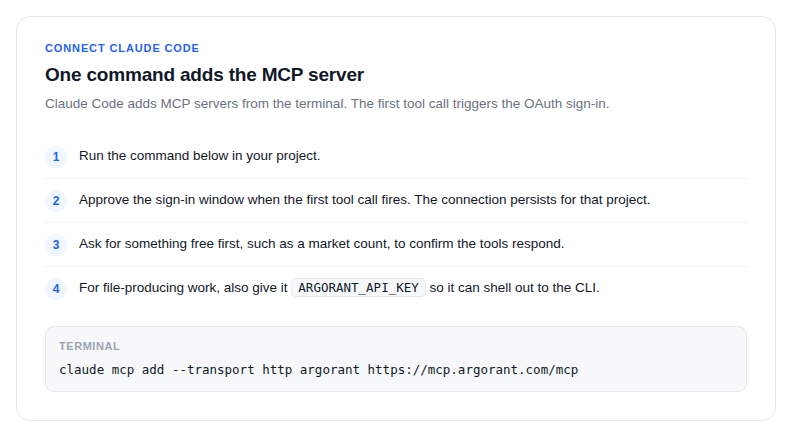
Guardrails worth setting
- Tell Claude Code in your project instructions that
revealandexportrequire your explicit go. - Remember that inside an agent loop there is no confirmation prompt:
reveal,exportandverify --filespend immediately when stdin is not a terminal. - Exit codes are machine readable, so the agent can branch:
2means the key was rejected,5means a paid plan is required.
Everything runs against the same account as the web app: same credits, same saved lists, same exports.