
Codex is a coding agent, so it reaches Argorant the same way it reaches any other service: through the MCP server if the runtime supports MCP, otherwise through the REST API or the CLI.
MCP path
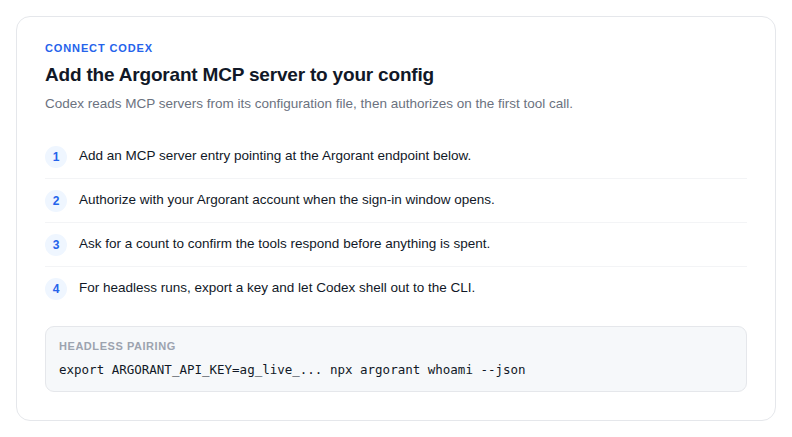
Add https://mcp.argorant.com/mcp as an MCP server in your Codex configuration and complete the OAuth sign-in when prompted. Codex then sees counts, previews, list management, reveals and exports as separate tools.
Key path
Put the key in the environment rather than in a prompt or a committed file:
export ARGORANT_API_KEY=ag_live_...
npx argorant whoami --json
whoami prints the account, the key's scopes and the daily quota, which is the fastest way to confirm the wiring before you let the agent loop.
Rules to give it
- Search, counts and masked previews do not deduct contact credits. Access, quotas and rate limits still apply.
revealandexportspend credits. In a non-interactive session there is no confirmation prompt at all.- Check
-nbefore any spending command. A limit is a budget. - Branch on exit codes rather than parsing text:
0ok,2auth,3scope,4rate limit,5upgrade required.
Codex works against the same account as your web app, so anything it exports shows up under Exports for you to download again.