
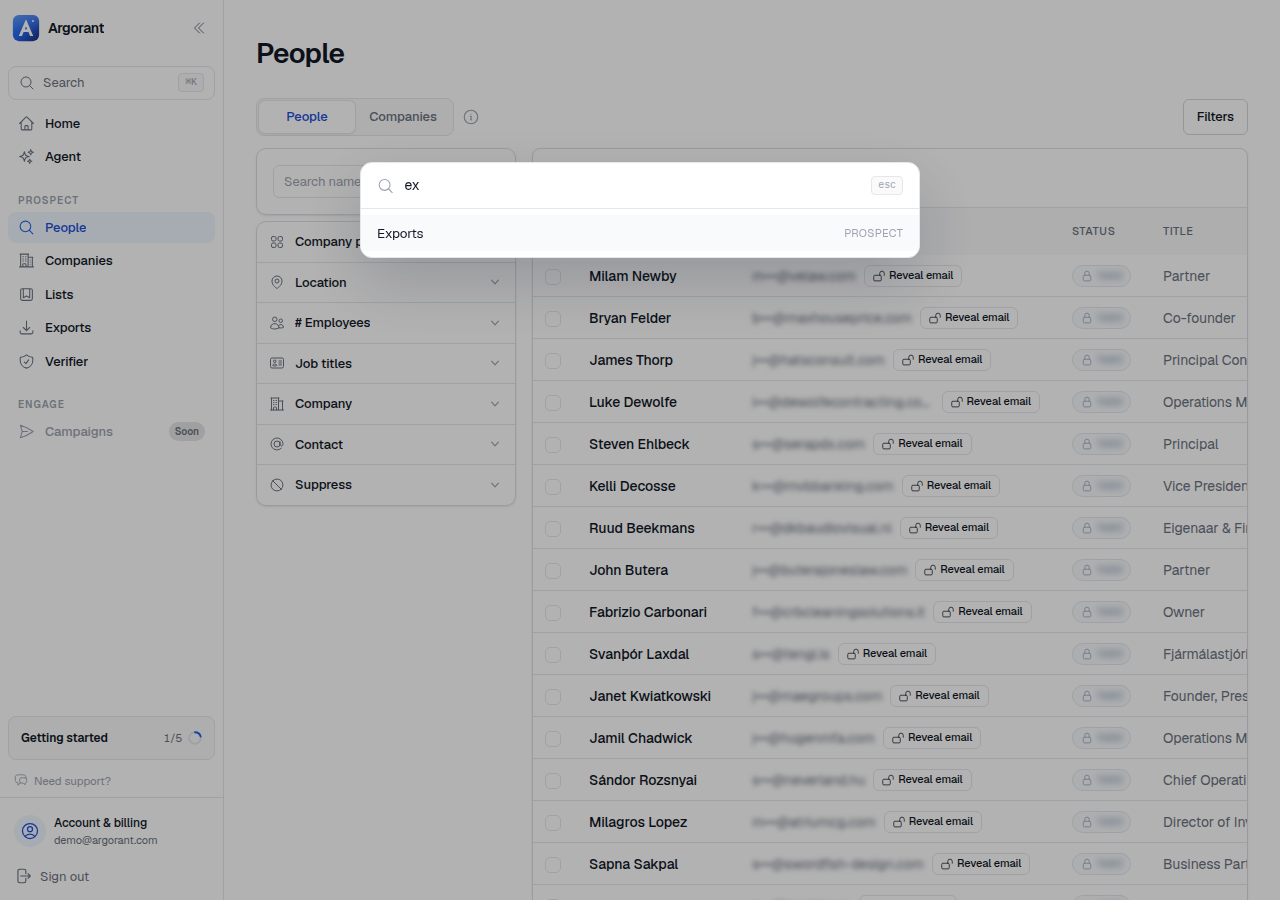
Press Cmd-K (or Ctrl-K on Windows and Linux) anywhere in the app and a search box opens over the page.
It searches your workspace as you type: campaigns, mailboxes, lists and replies by name, and it jumps to pages and settings sections (tags, billing, api keys). It also searches the help center and the developer docs by their full text, so warm-up or reply statuses finds the article, not just a page. Use the arrow keys to move through results and Enter to go. Esc closes the palette and leaves the page underneath untouched.
A typical loop: Cmd-K to People, build a segment, Cmd-K to Lists to save it, Cmd-K to the campaign to enroll it. You never need to hunt for the sidebar item, and it works the same on every page.
Nothing in the palette spends credits. It is navigation and search only.