
The count above your results is the number of people in the dataset matching your current filters. It updates live as you change filters, it is free, and it is unlimited on every tier including Free.
What it means. It is your addressable pool for that exact filter set. Change one filter and it changes, which makes it the fastest feedback loop in the product for understanding your own market.
What it does not mean. It is not the number of contacts you will end up mailing. Between the count and your inbox sit two reductions: you will normally exclude part of the pool as you tighten targeting, and every address is verified when you export, so anything that fails is dropped from the file. That is by design, and failed addresses never cost you a credit.
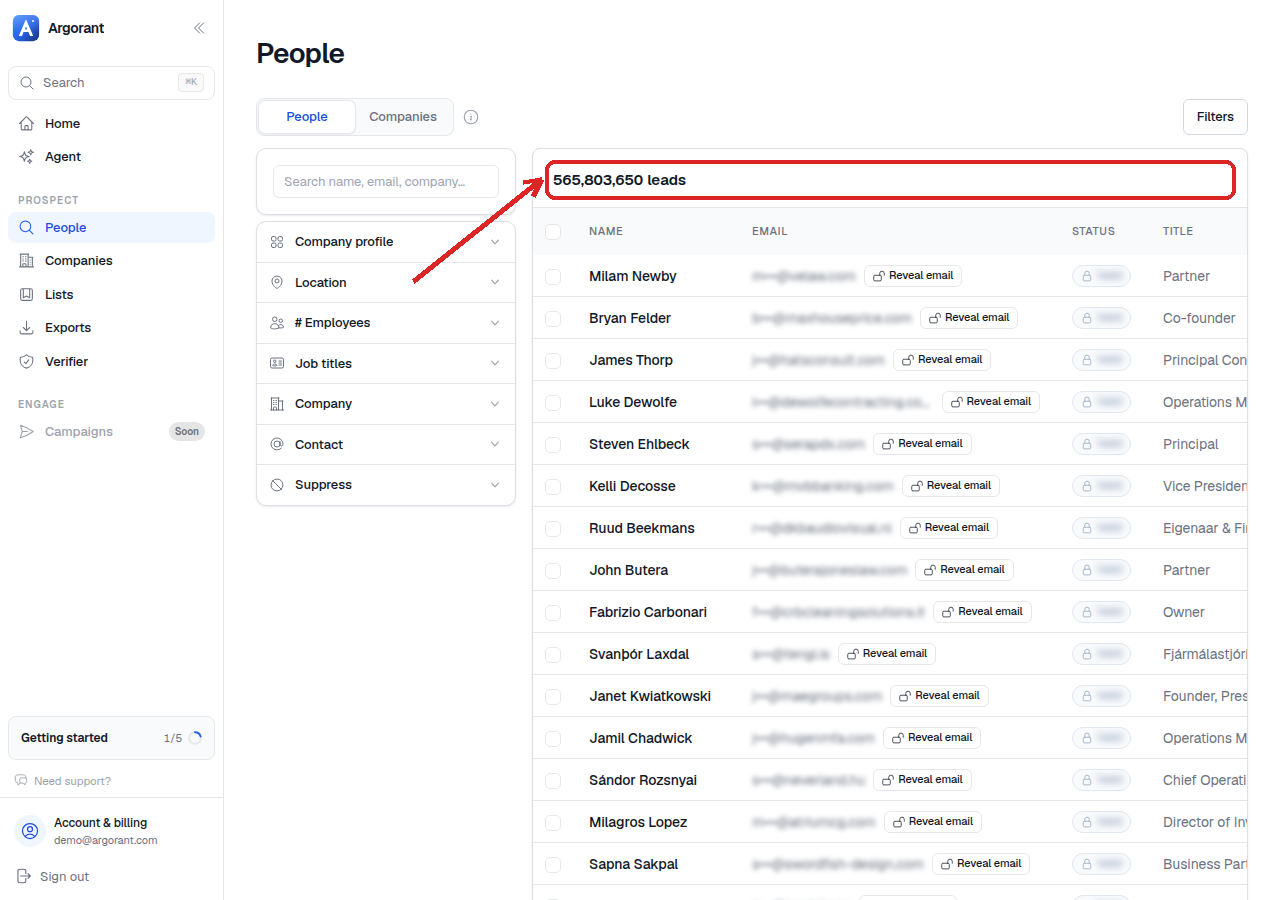
Read the count as a signal, not a score:
- Millions: your filters are describing a market, not a segment. Add a role or a size band.
- Tens of thousands: a healthy segment. Good place to start a campaign.
- Hundreds: tight and often exactly right for a focused play, as long as the preview looks correct.
- Near zero: almost always a filter conflict rather than an empty market. See the checklist.