
Exports is the record of every file you have created. Each entry shows what was exported, its status, and a download action once it is ready.
- Processing: the job is running. Verification is happening now, which is why larger jobs take longer. You can leave the page.
- Complete: the CSV is ready to download, and it stays downloadable.
- Row count: the number of verified contacts in the file. This is also the credit count for that export, since addresses that failed verification were excluded and charged nothing.
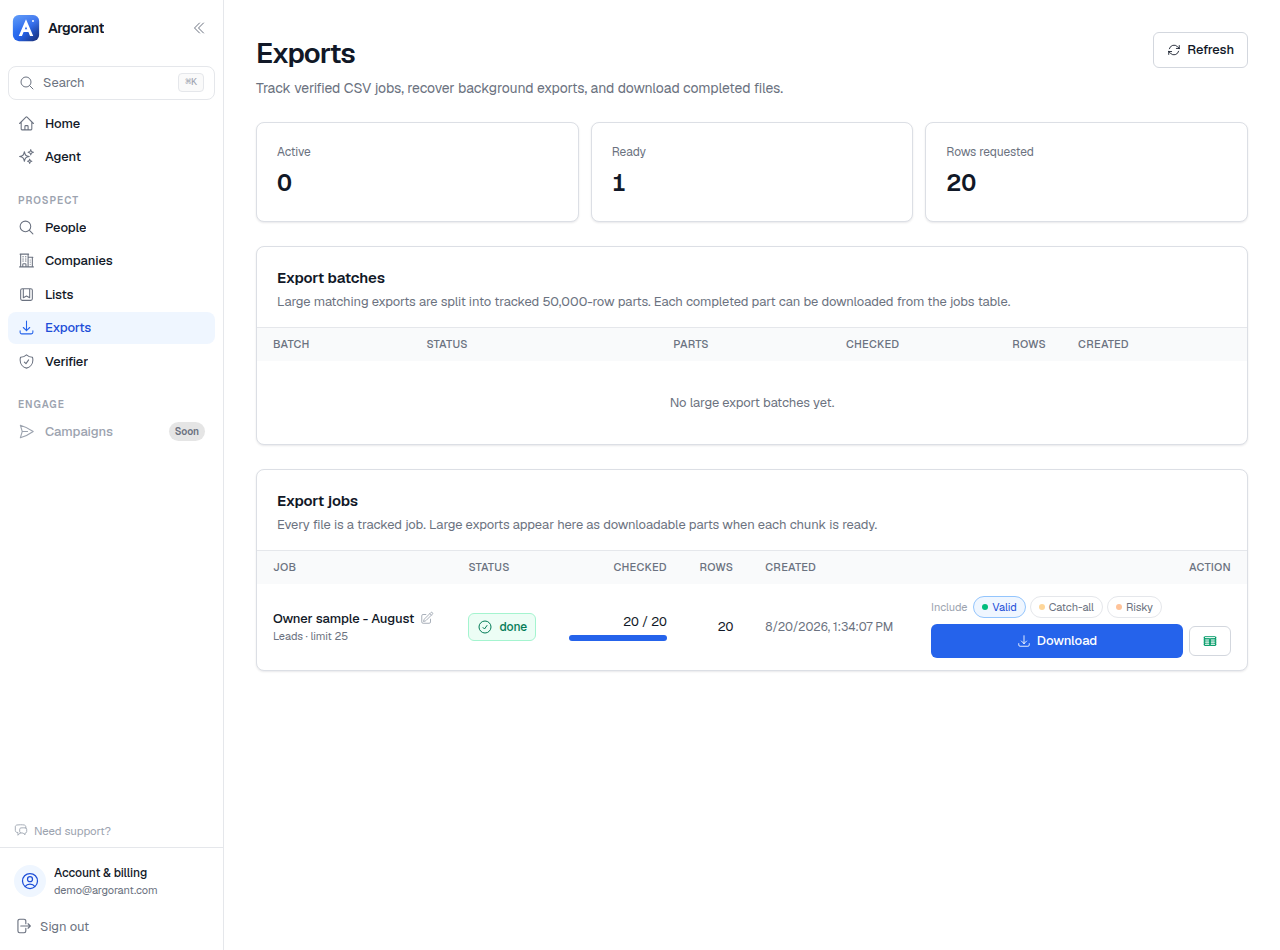
Two things this page is good for beyond downloading. It is your reconciliation view: if a credit charge looks unexpected, the export history shows exactly which job produced it and how many rows came back. And it is your recovery path when a file is lost on someone's laptop, because re-downloading a completed export is not a new purchase.
What re-downloading does not do is re-verify. The file reflects the state of those addresses when it was created. If it is more than a couple of months old, create a fresh export from the saved list instead. See the 60-day window.
Agents and scripts see the same jobs through the API and the CLI's export status and download commands.