
There are two ways to get contact details out of Argorant, and they suit different work.
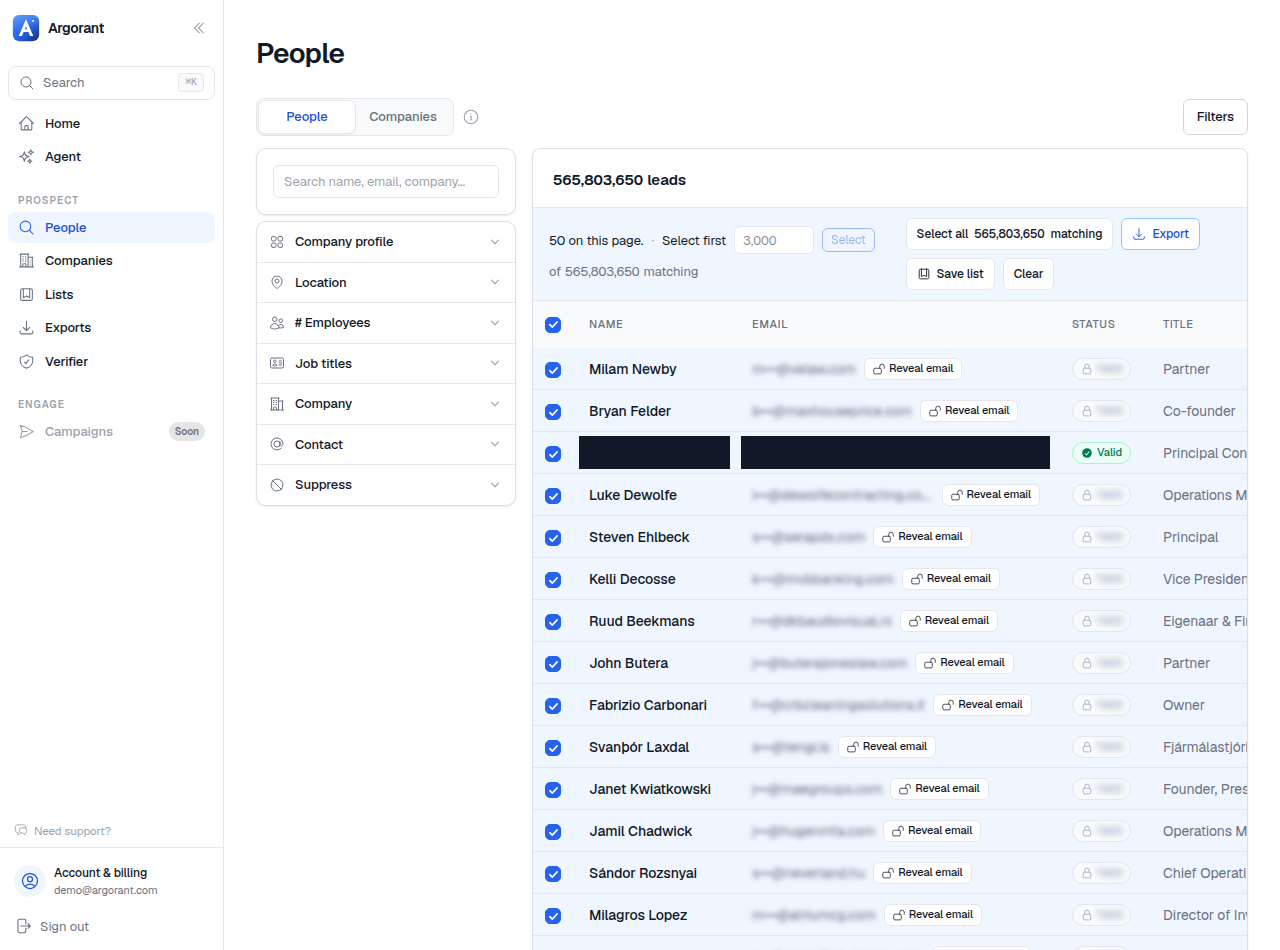
Reveal unlocks a single contact in place, for one credit. Use it when you are working a small number of named accounts, when you want to check a specific person before committing to a segment, or when you are researching interactively with an AI agent and only need one answer.
Export takes a selection or a whole list, runs verification, and produces a CSV. Use it whenever the destination is a sending tool or a CRM. One credit per verified contact, nothing for addresses that fail.
- Build your search or open a saved list from Lists.
- For a single contact, reveal it directly in the results.
- For a campaign, select the rows you want and create an export.
- Collect the finished file from Exports.
A rule of thumb: if you would paste it into a sequence, export it. If you would paste it into a conversation, reveal it. Both spend from the same balance, both are logged in your account, and previews before either step remain free.