
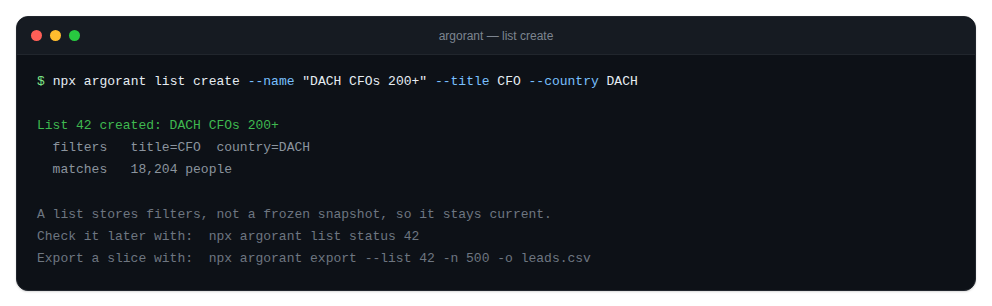
A saved list is a reusable filter set, not a frozen snapshot. Creating one is free and reveals nothing: the server counts the matches itself, so the list reports its real size right away.
Create
npx argorant list create --name "DACH CFOs 200+" --title CFO --country DACHThe output gives you the list id, the name and how many contacts currently match. It also prints the exact argorant export command that would export the same filters, so you can go from a saved segment to a CSV without retyping anything.
Status
npx argorant list status 42Prints the list name, its current size, its selection mode and its record type. The id must be numeric; a typo is caught locally with a readable message instead of a validation error from the server.
How teams use it
- One list per segment, for example DACH CFOs 200+ or UK accounting partners.
- Check sizes on a schedule to watch a market move. Free, so it can run daily.
- Export a fresh slice when a campaign starts, so the file reflects today rather than the day the list was created.
Lists are shared across surfaces. A list your agent creates appears in the web app, and one you build in the app is visible to your agent. Same account, same everything.