
Use the OAuth MCP connection when your client supports custom remote MCP servers. Otherwise use the CLI from a Node/npm-enabled terminal, or REST from an authorized HTTP environment. Pasting a personal key into a chat does not create a connection or bypass the client's restrictions.
Connector path
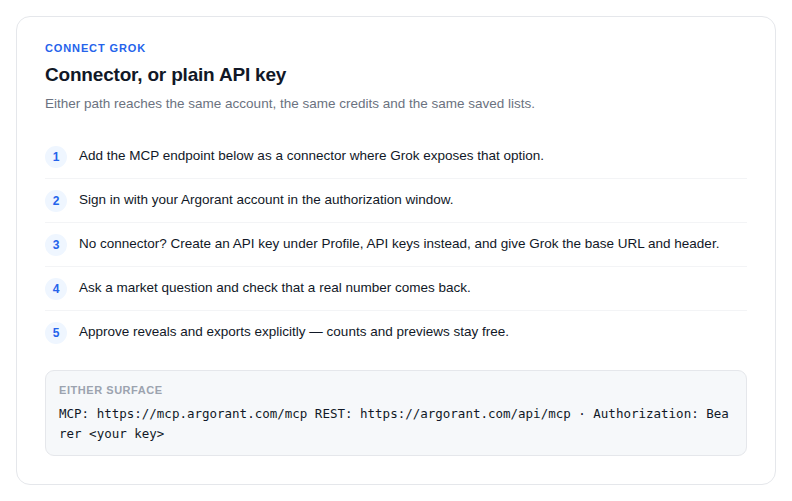
- Add
https://mcp.argorant.com/mcpas a connector where Grok exposes that option. - Sign in with your Argorant account in the authorization window.
- Ask a market question and check that a real number comes back.
Key path
- Create an API key under Profile, API keys.
- Tell Grok the base URL
https://app.argorant.com/api/mcpand the headerAuthorization: Bearer <your key>. - Ask it to count a segment. Counts and masked previews do not deduct contact credits; access, quotas and rate limits still apply.
- Approve exports explicitly. Every address is verified at export time.
Good questions to start with: how many logistics operations leaders in the Benelux, which procurement roles exist at construction firms, how large is the population of owner-level contacts in a country you sell to. Grok answers from the live dataset instead of from training data.
To keep an autonomous Grok session from overspending, leave spending actions out of the key you hand it, or state in its instructions that reveals and exports need your confirmation.