
Grok Build is xAI's terminal coding agent. It drives Argorant like any other tool: over MCP where enabled, otherwise over REST with a bearer key. Two minutes from install to first count.
- Create an Argorant API key under Profile, API keys, or grab the prefilled setup prompt at app.argorant.com/start.
- Tell Grok Build the base URL
https://app.argorant.com/api/mcpand the headerAuthorization: Bearer <key>. - Ask it to count a segment. Counts and masked previews do not deduct contact credits; access, quotas and rate limits still apply.
- Approve reveals and exports explicitly. Verification runs at export time.
Pair it with the CLI
Because Grok Build lives in the terminal, the npm CLI is a natural fit for anything that should produce a file:
export ARGORANT_API_KEY=ag_live_...
npx argorant company stripe.com --json
npx argorant reveal "heads of procurement" --country Germany -n 25 --json --yes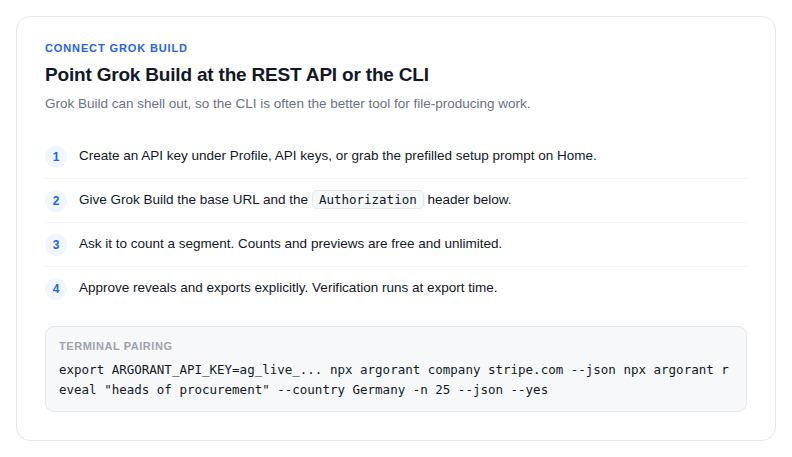
Parallel sub-agents can each work a different segment against the same account, credits and saved lists. That is fine as long as spending is bounded: pair the setup with a prepaid wallet so long runs can only spend what the wallet holds.
Recurring pipeline chores such as list refreshes, segment diffs and scheduled exports become scripts your agent runs whenever the ICP moves.