
The setup prompt at argorant.com/ai-agents is one block of text you paste into any agent. It is not magic: it is an ordered set of instructions, each of which exists for a reason.
- Try the connector first. MCP at
https://mcp.argorant.com/mcpgives OAuth sign-in and typed tools, which is cleaner than key handling. Agents that cannot do MCP simply fail this step and move on. - Fall back to an API key. The prompt tells the agent the base URL and the
Authorization: Bearerheader shape, so any HTTP-capable agent can work. - Walk the human through account creation. If there is no key yet, the agent points you at app.argorant.com/start and waits. It never invents credentials.
- Verify the connection. One account call confirms identity, scopes and quota before anything else runs. A broken key is caught in the first second, not halfway through a job.
- Ask who you want to reach. The agent gathers an ICP in plain language rather than guessing filters.
- Run a free count and preview. These actions do not deduct contact credits; account permissions, quotas and rate limits still apply.
- Never spend without an explicit go. This is the line that matters most. Reveals and exports are the only paid actions, and the prompt makes confirmation a hard rule.
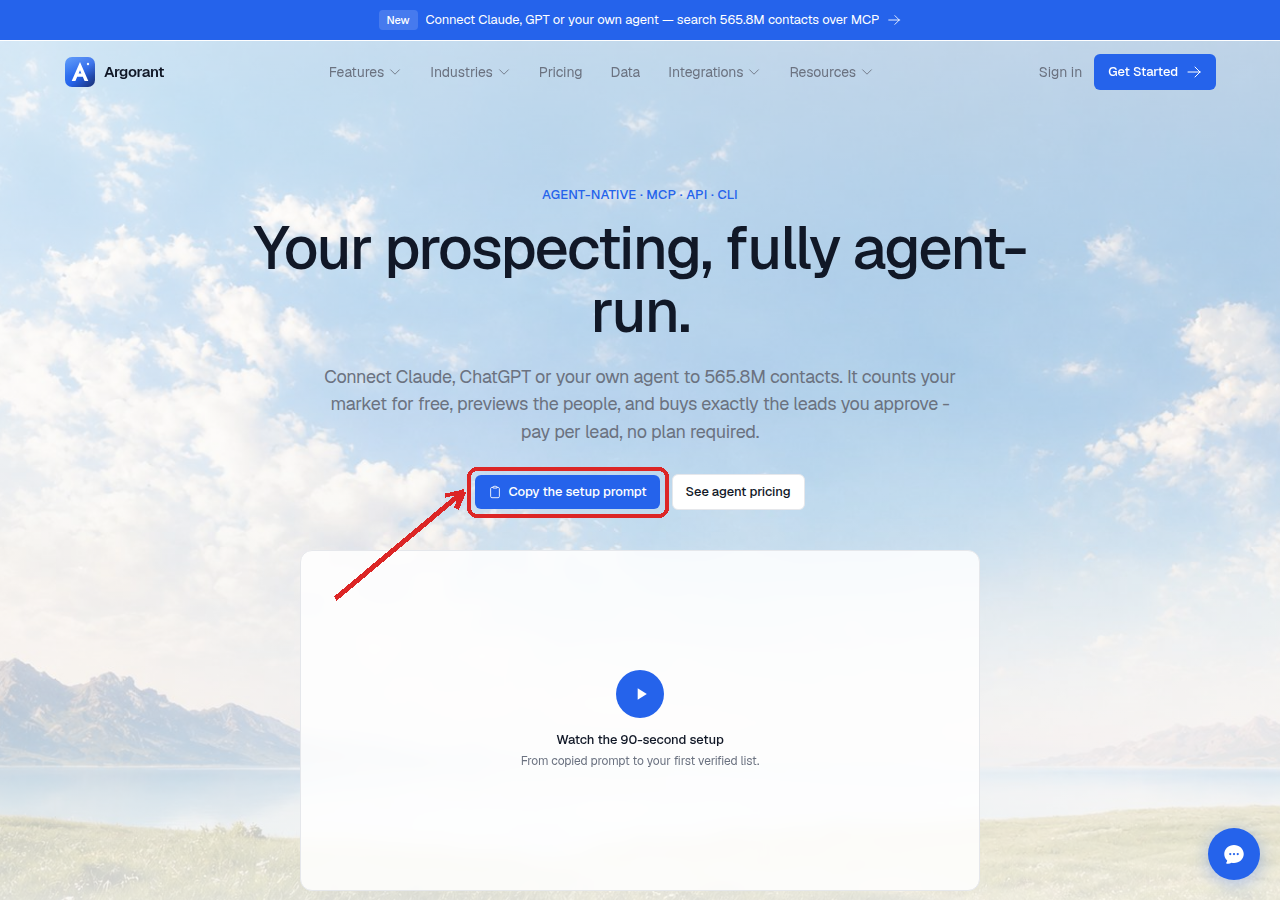
You can edit the prompt. Common additions: a fixed row cap, a named target segment, or a rule that the agent should stop and report instead of retrying after a payment error. What you should not remove is the confirmation rule.
New accounts get a 14-day trial after email confirmation: 100 credits and 300 campaign emails, no card and no automatic subscription; when it ends, campaigns pause and unused trial credits expire until a plan or pay-as-you-go credits are added. The app, REST API, CLI and MCP share the same account and balance; connecting another client or creating an API key does not add a second grant. Existing balances and subscriptions are unchanged.