
Everything you need to size a run is free, on every tier and without limit: searches, market counts, filters and redacted previews. Use them.
- Build the filter set in People search and read the live count. That is the ceiling.
- Preview the matches. Names are redacted, but roles, companies and locations are not, so you can judge fit before spending anything.
- Decide how many rows you actually want. Exporting a whole segment because it exists is the most common way to waste credits.
- Export the slice. Only deliverable contacts are billed, so the real cost lands at or below your estimate.
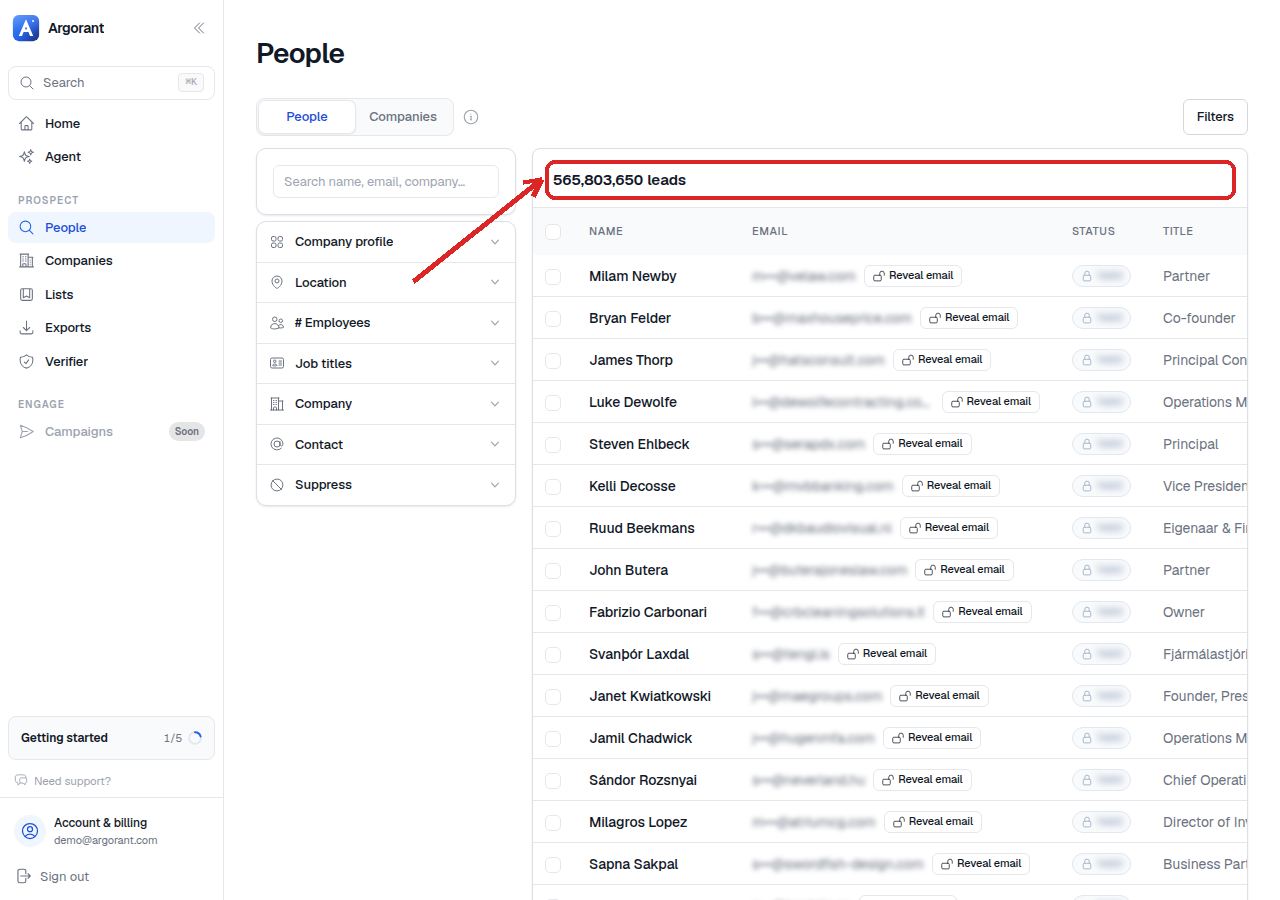
A working rule for budgeting: take the count, decide your slice, and assume you will pay for somewhat fewer than the rows you selected, never more.
Agents work the same way. The count and preview endpoints cost nothing, so a well-instructed agent explores freely and asks before it exports. That is also why the setup prompt tells agents to run a count first.
If you want an exact figure for a specific list before committing, export a small sample of it and read the delivered-versus-selected ratio from the summary. Applying that ratio to the full list is close enough to plan with.