
Any completed export can go straight to a new Google Sheet. There is no CSV to download and re-upload.
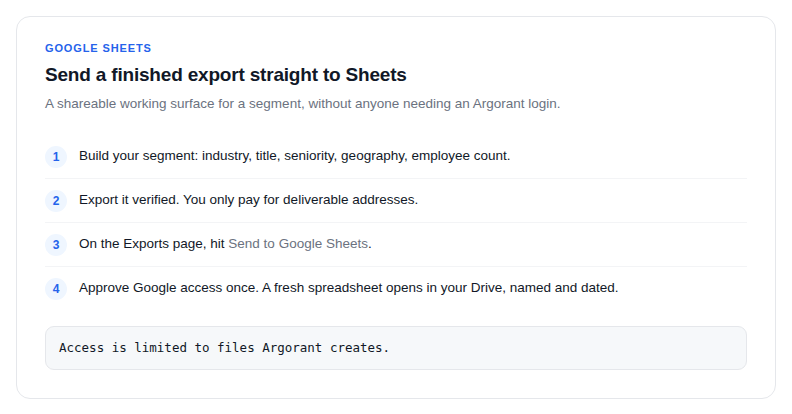
- Build your segment: industry, title, seniority, geography, employee count.
- Export it verified. You only pay for deliverable addresses.
- On the Exports page, hit Send to Google Sheets.
- Approve Google access once. A fresh spreadsheet opens in your Drive, named and dated, with the verified rows ready to work.
The permission, precisely
Argorant only ever touches spreadsheets it creates for you. It does not read, edit or list the rest of your Drive. That is the whole scope of the access you are approving.
Why teams use this
- A shareable working surface for a segment, without anyone needing an Argorant login.
- A staging area before a CRM import, where a colleague can strike rows.
- A place to layer your own scoring columns next to the verified data.
Each send creates a new spreadsheet rather than appending to an old one, so a refresh never silently overwrites the notes someone added last week. If you want a single rolling sheet, pull the data with the API instead and write it yourself through your automation platform.