
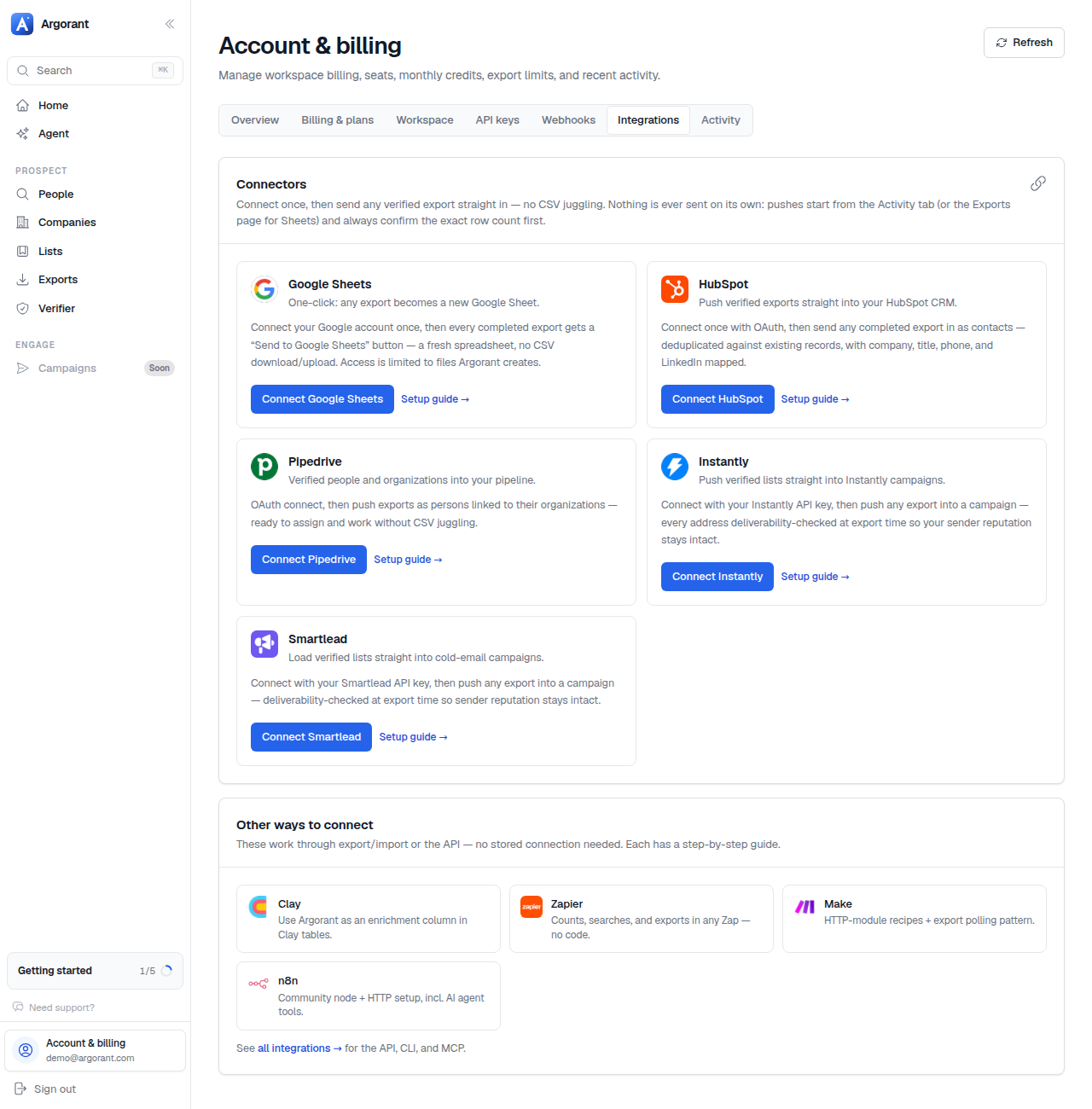
Every integration is one of four shapes. Knowing which one applies tells you what setup looks like before you read a single step.
- Native push, OAuth. You connect the tool once under Profile, Integrations, then push any completed export into it with a button. HubSpot and Pipedrive work this way.
- Native push, API key. Same button, but you paste the destination tool's own API key instead of an OAuth approval. Smartlead works this way.
- One-click send. Google Sheets: approve Google access once, then every finished export gets a send button that creates a fresh spreadsheet.
- You drive the API. Automation platforms and CRMs without a native push call Argorant's REST API with a bearer key: n8n, Zapier, Make, Clay, Salesforce.
The universal fallback
Every export is a CSV with stable columns, so any tool that imports a CSV works today with no setup at all. That is the path for Instantly, lemlist, Salesforce Data Import and anything else in your stack.
What stays true everywhere
- One account across app, API, CLI and agents. Same credits, same lists, same exports.
- Counts and searches never consume credits, whatever tool triggers them.
- Verification runs when the export is created, so whatever lands downstream has just been checked.
Integration guides with copy-paste recipes live at argorant.com/docs.