
There is no AppExchange package today. The two supported paths cover the same ground and most teams have one running within the hour.
Fast path: verified CSV
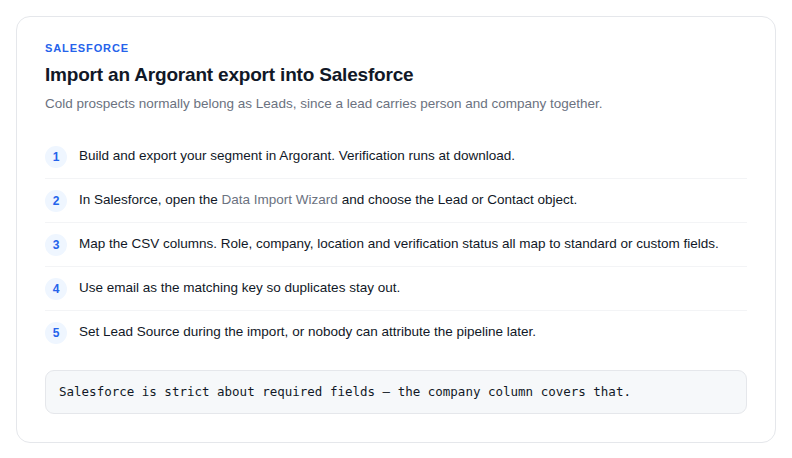
- Build and export your segment in Argorant. Verification runs at download.
- In Salesforce, open the Data Import Wizard and choose the Lead or Contact object.
- Map the CSV columns. Role, company, location and verification status all map to standard or custom fields.
- Use email as the matching key so duplicates stay out. Exports carry one verified address per person.
Automated path: the API
Drive the Argorant REST API from your middleware, from Flow, or from an Apex callout, then create or upsert Leads through the Salesforce API. The shape is: create an export, poll status, download, upsert on email.
Keeping a territory current
Run the same export monthly, diff on email, and upsert what changed. Your org then tracks the market instead of drifting from the day the list was bought. Counts are free, so you can watch a territory's size between imports without spending anything.
Why this is worth the verification step
Bounce-heavy imports poison sender reputation the first time sales emails from your domain. Verification at export is the cheap insurance, and invalid addresses never cost you a credit in the first place.