
HubSpot is a native push destination. There are no API keys to paste into HubSpot and no CSV juggling.
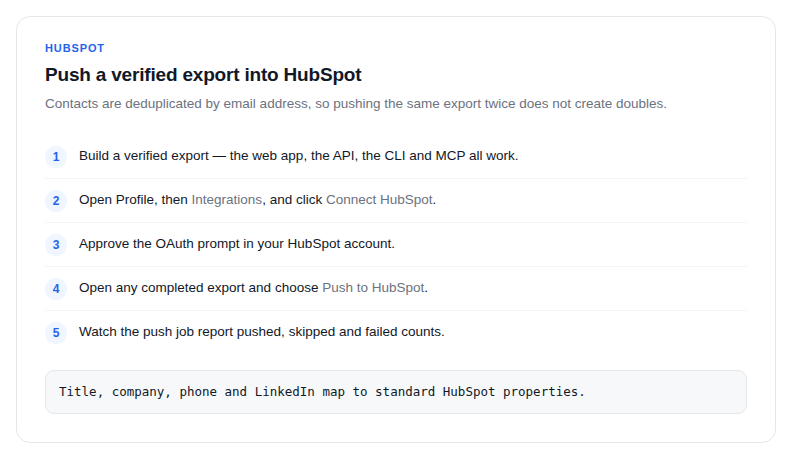
- Build a verified export. The web app, the API, the CLI and MCP all work.
- Open Profile, then Integrations, and click Connect HubSpot.
- Approve the OAuth prompt in your HubSpot account.
- Open any completed export and choose Push to HubSpot. From your own code, call the CRM push endpoint instead.
- Watch the push job report pushed, skipped and failed counts. Contacts appear in HubSpot within minutes.
How records land
- Contacts are deduplicated by email address, so pushing the same export twice does not create doubles.
- Title, company and location map to standard HubSpot properties.
- Skipped rows are usually existing contacts. The count is reported rather than hidden.
Why verification matters here
Every email in the export was checked when the export was created. A CRM full of addresses that bounce costs you more than the import saved: the first sales send from your domain pays for it in sender reputation.
Disconnecting is symmetric. Remove the connection under Profile, Integrations, and no further pushes are possible.