
Pipedrive works like HubSpot: connect once with OAuth, then push any completed export.
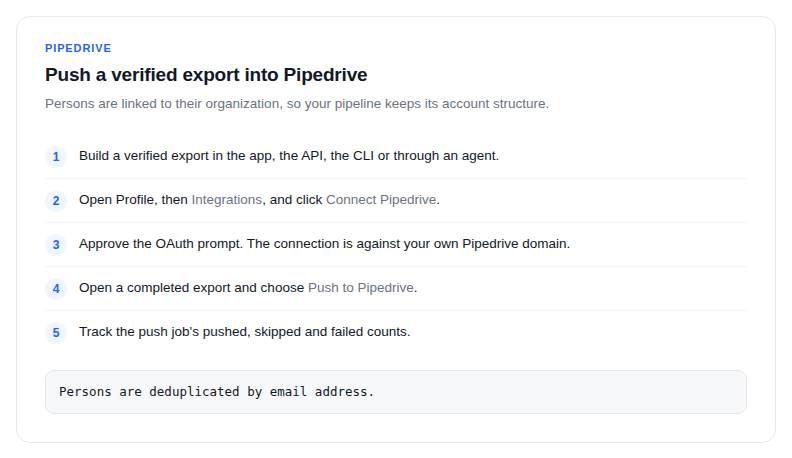
- Build a verified export in the app, the API, the CLI or through an agent.
- Open Profile, then Integrations, and click Connect Pipedrive.
- Approve the OAuth prompt. The connection is against your own Pipedrive domain.
- Open a completed export and choose Push to Pipedrive, or call the CRM push endpoint from your own code.
- Track the push job's pushed, skipped and failed counts.
How records land
- Persons are deduplicated by email address.
- Persons are automatically linked to their organization, so your pipeline keeps its account structure instead of collecting orphan contacts.
- Titles and locations come across on the person record.
A workflow that fits
Keep one saved list per territory. When a rep needs a book of business, export the list, push it, and the pipeline fills with people who exist and whose mailboxes accept mail. Because a saved list is a filter set rather than a snapshot, each export reflects the market as it is today.
Pushes are idempotent enough to repeat: re-pushing an export skips what is already there rather than duplicating it.