
n8n is the closest fit for teams who want scheduled data work without writing a service. There is a community node, and a plain HTTP Request node works just as well.
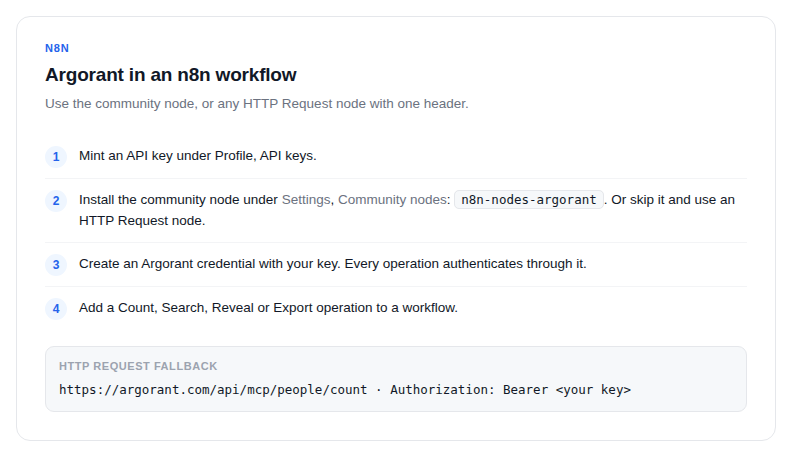
- Create a free Argorant account and mint an API key under Profile, API keys.
- Install the community node: Settings, Community nodes, then
n8n-nodes-argorant. Or skip this and use an HTTP Request node. - Create an Argorant credential with your key. Every operation authenticates through it.
- Add a Count, Search, Reveal or Export operation to a workflow.
A workflow that earns its keep
Schedule trigger, then Count on each of your target segments, then a message to Slack with the numbers. Counts are free, so this can run daily and costs nothing while giving you a live read on how your market is moving.
Export workflows
Export is asynchronous: the create step returns a job id, and you poll the status until the file is ready. In n8n that is a Wait node plus a status request in a loop, then a download step and whatever writes the rows into your CRM.
AI agent tools
n8n's AI agent nodes can take the Argorant operations as tools, which turns the workflow into a conversational one: an agent sizes a market, proposes a segment and hands an export to the rest of the flow. Give it a key without spending scopes if it should stay read-only.
If you prefer HTTP Request nodes, the auth is one header: Authorization: Bearer ag_live_... against https://argorant.com.