
There is no branded Argorant tile in the Zapier app directory today. You connect with Zapier's built-in Webhooks step instead, which works exactly the same and takes about two minutes.
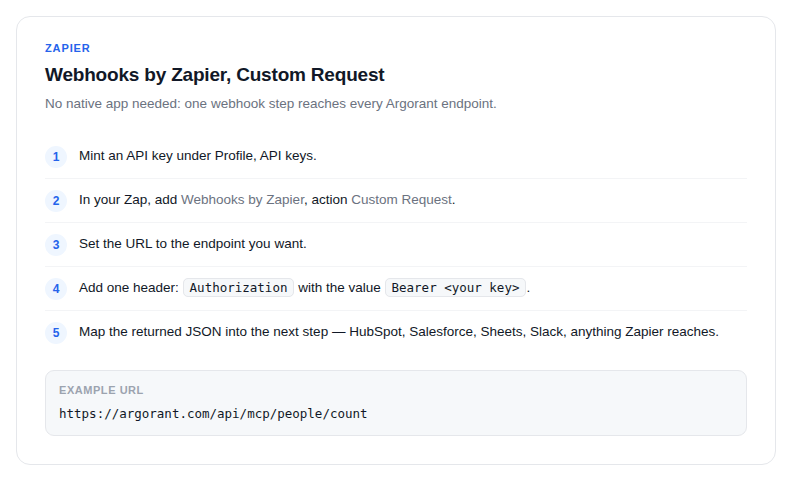
- Mint an API key under Profile, API keys.
- In your Zap, add Webhooks by Zapier, action Custom Request.
- Set the URL to the Argorant endpoint you want, for example
https://app.argorant.com/api/mcp/people/count. - Add one header:
Authorizationwith the valueBearer <your key>. - Map the returned JSON fields into the next step: HubSpot, Salesforce, Google Sheets, Slack or any of the thousands of apps Zapier reaches.
Two Zaps most teams build first
- Weekly market pulse. Schedule trigger, count each target segment, post the numbers to Slack. Counts are free, so this never costs credits.
- Fresh leads into the CRM. Trigger on a schedule or a form submission, create an export, wait, download, then create records downstream.
Waiting for an export
Export creation returns a job id immediately. Add a Delay step, then a second Custom Request against the export status path, and continue when the file is downloadable. Small exports typically finish in a couple of minutes.
If a native tile ships later, your existing key and Zaps keep working. Nothing to redo.