
Cancelling is self-service and does not require an email to anyone.
- Open Profile → Billing.
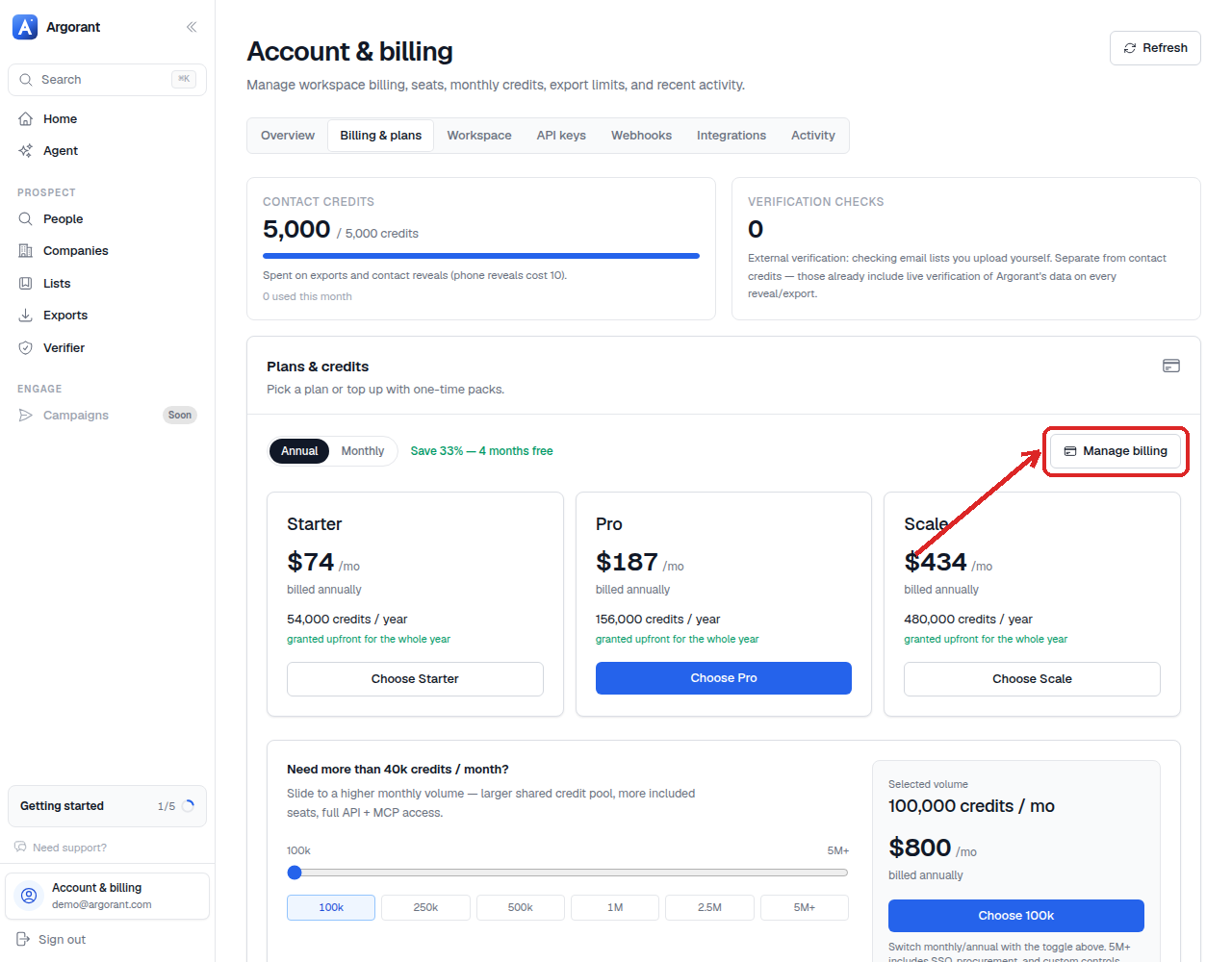
- Click 'Manage billing' in the top right of the plan section.
- The Stripe billing portal opens with your subscription listed.
- Choose to cancel, and confirm.
What cancelling does is stop the renewal. It does not switch anything off today. You keep full platform access, your seats, your API and MCP access, and the credits already granted for the current term, right up to the last day you paid for.
On an annual plan, that means the rest of the twelve months. On monthly, the rest of the current month.
Payments already made are not refunded, which is the flip side of keeping everything until the term ends. If something went wrong with a charge rather than with the plan, that is a support question, not a cancellation.
Changed your mind before the term ends? Pick a plan again in Profile → Billing and the subscription simply continues.