
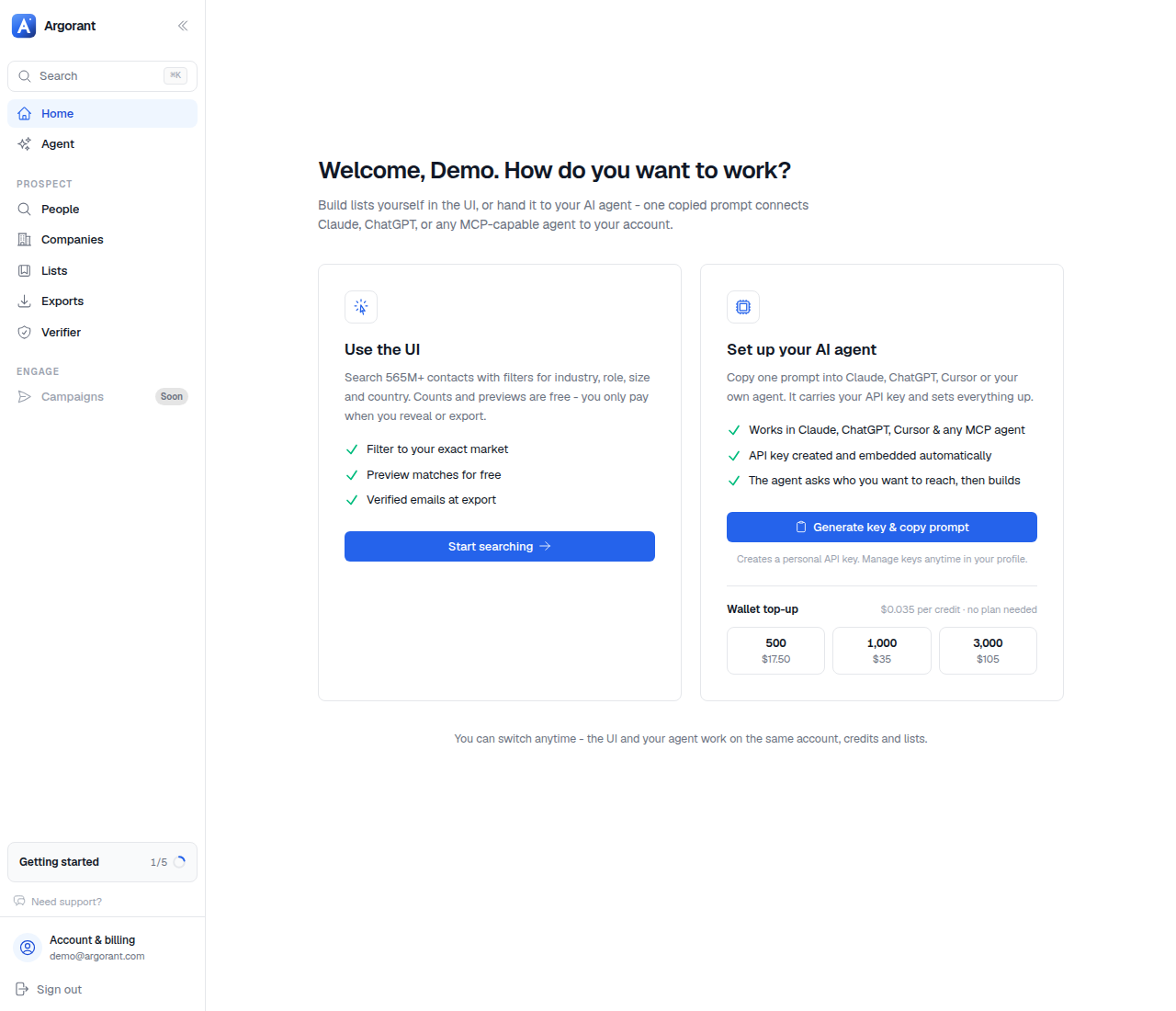
Home is the operational centre of the account rather than a dashboard of vanity numbers. It holds four things.
- What needs you. Replies waiting for an answer, a mailbox that lost its connection, a campaign that ran out of leads or was paused by your plan.
- Your balances. Credits, and campaign emails used and left for the month.
- The getting-started steps. Confirm your email, find your market, connect a mailbox, launch a campaign, connect your AI.
- The two ways to work. The app, or your AI agent through AI connections. One account, the same lists and credits.
If you came in through an AI agent and never touch the UI, Home and Inboxes are the two pages that still matter: the balances, and the mailboxes your agent sends from.
The 14-day trial, 100 credits and 300 campaign emails, starts as you confirm your email and finish the short welcome flow, and it shows up here with the days left.