
Argorant exports are shaped to land in Instantly's lead import without renaming anything.
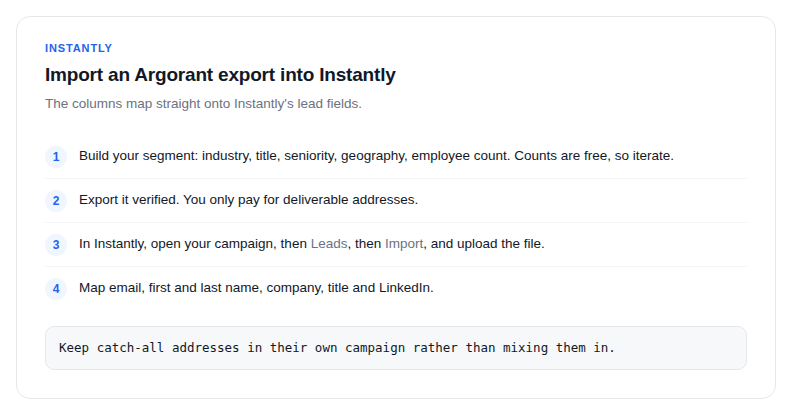
- Build your segment: industry, title, seniority, geography, employee count. Counts are free, so iterate until the number matches your intent.
- Export it verified. You only pay for deliverable addresses, and phone numbers ride along if you included them.
- In Instantly, open your campaign, then Leads, then Import, and upload the file.
- Email, first and last name, company, title and LinkedIn map to Instantly's lead fields.
Refreshing without re-enrolling
Re-exports skip rows this account already exported, so a monthly refresh of the same segment gives you the people who are new, not the ones already in your sequence. If you deliberately want the full set again, there is an option to include previously exported rows.
One verification pass, not two
There is no reason to run the file through a separate verifier before importing. Verification happened when the export was created: valid rows are in the file, invalid ones were excluded and cost nothing, and catch-alls are labelled so you can filter them out before upload if your sending strategy is strict.
Segment testing is free: compare three ICP variants by real population size, preview the people, and only export the one you will actually sequence.