
Argorant builds the audience, lemlist runs the sequence. The handoff is a CSV or an API call.
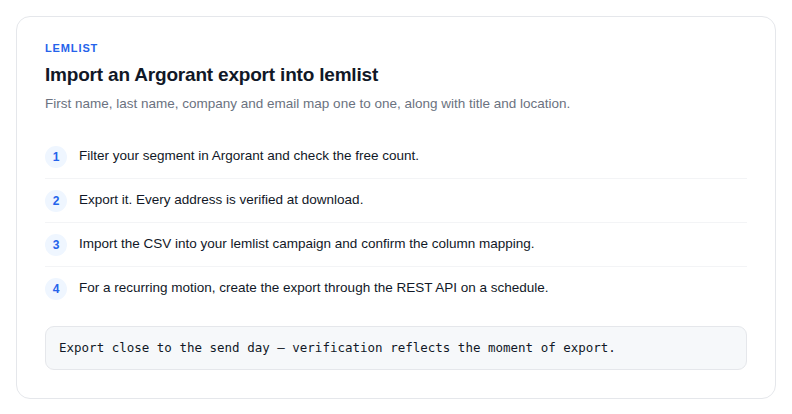
- Filter your segment in Argorant and check the free count.
- Export it. Every address is verified at download.
- Import the CSV into your lemlist campaign. First name, last name, company and email map one to one, along with title and location.
- For a recurring motion, create the export through the REST API on a schedule and push to lemlist from the same job.
Personalization fuel
Sequence variables are only as good as the fields behind them. Exports carry name, role, company and location, so your templates run on data rather than guesswork, and rows with missing fields are visible before you send rather than after.
Protecting the domains that do your selling
lemlist warms your inboxes over weeks. A single bounce-heavy import undoes that. Verification at export keeps hard bounces out of your sequences, which keeps your domains sending and your reply rates honest.
Testing before you commit
Counts and previews are free on every tier. Compare ICP variants by real population size, preview the actual people, and only spend credits on the segment you are going to sequence.