
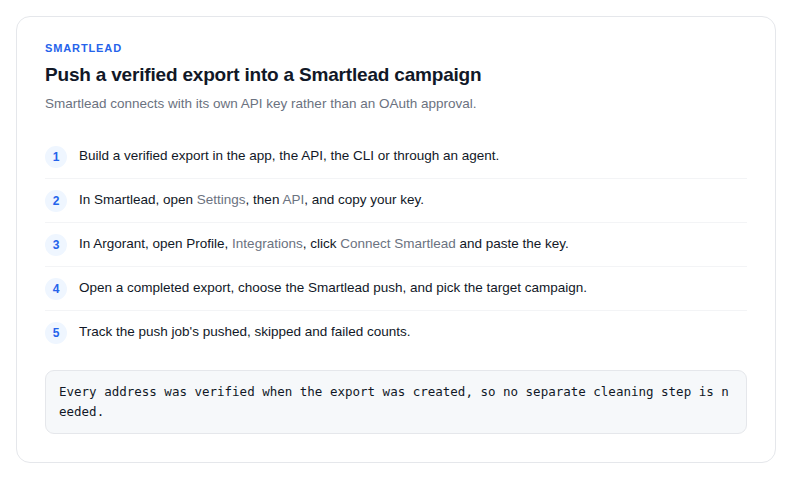
Smartlead is a native push destination, using your own Smartlead API key rather than an OAuth flow.
- Build a verified export in the app, the API, the CLI or through an agent.
- In Smartlead, open Settings, then API, and copy your key.
- In Argorant, open Profile, then Integrations, click Connect Smartlead and paste the key.
- Open a completed export, choose the Smartlead push, and pick the target campaign.
- Track the push job's pushed, skipped and failed counts. Leads appear in the campaign within minutes.
What maps across
Name, company, phone and LinkedIn come through alongside the email address, so your sequence variables have real data behind them instead of blanks.
Deliverability, honestly
Smartlead warms your inboxes; one bad import can undo that work. Every address in an Argorant export was verified when the export was created, and addresses that failed were excluded and never billed. Catch-all mailboxes are labelled rather than guessed at, so you decide whether they belong in the campaign.
For a recurring motion, build the export on a schedule from a saved list and push each fresh slice. Contacts you already exported are skipped by default, so a refreshed list does not re-enroll people who are already in a sequence.