
ChatGPT can use an Argorant OAuth MCP connection when custom connections are enabled for your account and workspace. Availability must be checked in the client. A personal API key alone does not add HTTP tools to a chat.
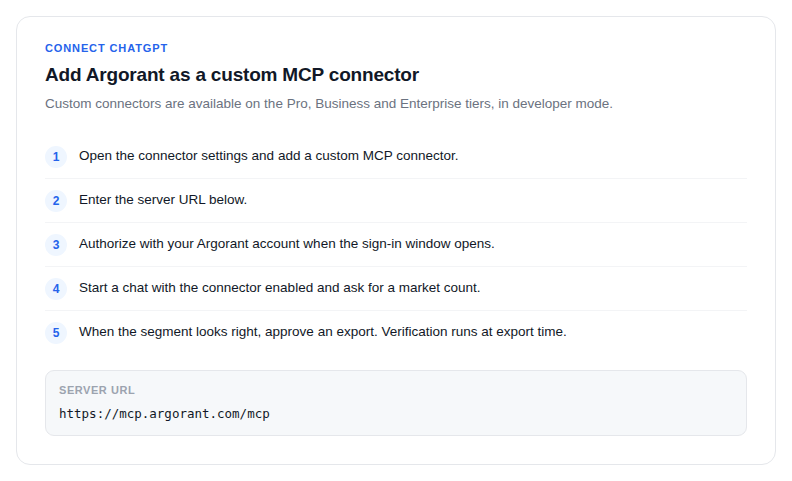
- In ChatGPT, enable Developer mode under Settings, Security and login if permitted. Open Plugins, choose the plus button, and name the connection Argorant.
- Under Connection enter
https://mcp.argorant.com/mcpand use OAuth. Never put a personal API key in this URL. - Authorize with your Argorant account when the sign-in window opens. Free accounts can count and preview right away.
- Start a chat with the connector enabled and ask for a market: Count UK accounting firm partners in Argorant, then show me five examples.
- When the segment looks right, approve an export. Verification runs at export time.
What ChatGPT sees
By default it sees counts and redacted previews. Full names, work emails, phone numbers and LinkedIn URLs only appear after an explicit reveal or export, which consumes credits exactly like the web app does.
Custom GPTs
You can also wrap Argorant into a custom GPT by adding the REST API as an action with an API key. That is the right shape when you want your ICP rules baked in and shared with a team, so anyone can ask for this quarter's segment and get the current verified list.
Both paths use one account, one credit balance and the same saved lists.