
The Settings tab decides when and how fast a campaign sends. You set most of it in the last step of the new campaign wizard, and you can change all of it here later, also while the campaign is sending.
Change the settings
- Open the campaign from Campaigns and click the Settings tab.
- Change what you need. Nothing is stored until you save.
- Scroll down and click Save settings. You see Settings saved.
Saved changes apply from the next send. Emails that already went out stay as they were. If you change the hours, the days or the gap, people who are waiting for their next email are rescheduled to fit the new times.
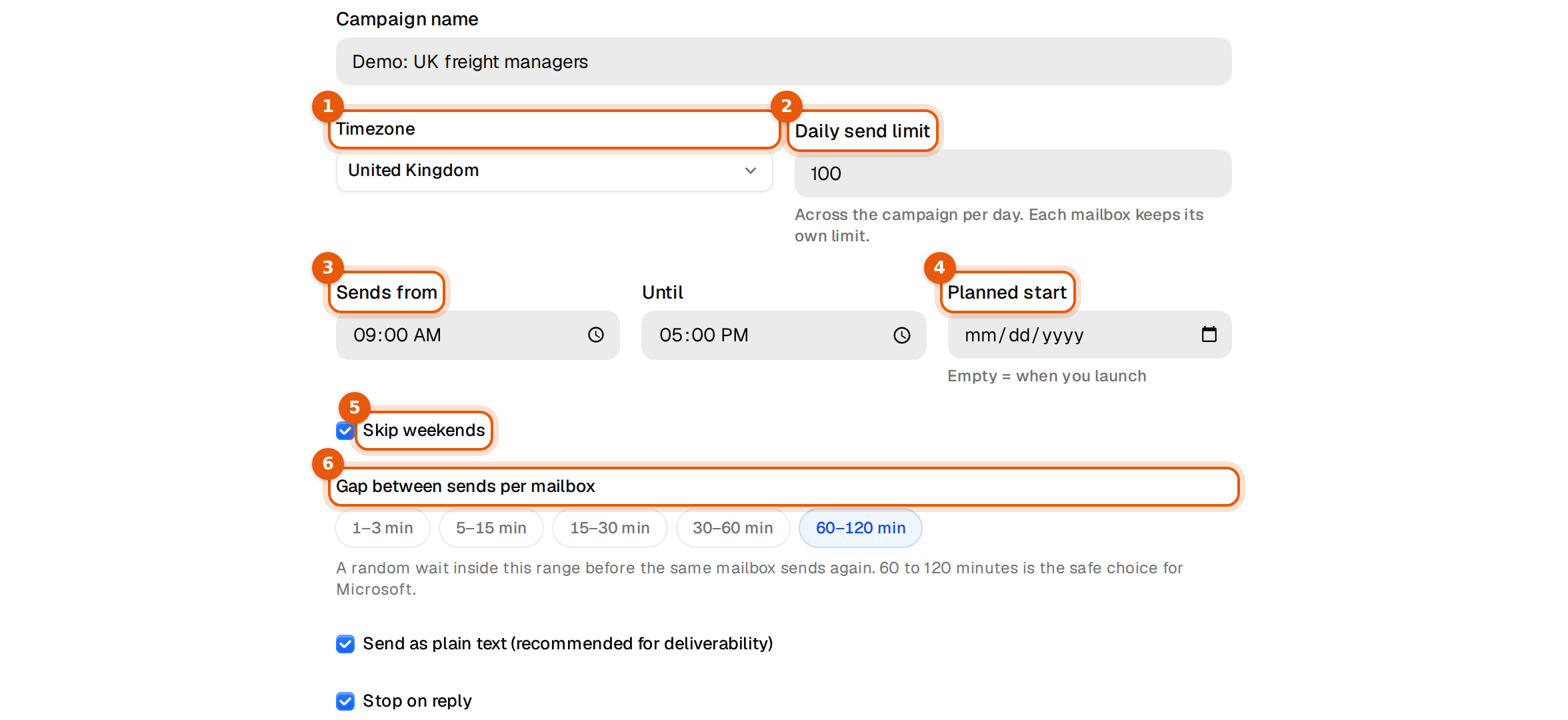
Every setting, explained
| Setting | What it does | Default |
|---|---|---|
| Campaign name | The name you and your team see in the list, in Analytics and in the Unibox. Contacts never see it. | The name from the wizard |
| Timezone | The clock the sending hours follow. Pick where most of your contacts are, for example United Kingdom or US Eastern (ET). | The timezone from the wizard |
| Daily send limit | The most emails the whole campaign sends per day, across all its mailboxes. Each mailbox also keeps its own limit. | 100 |
| Sends from and Until | The hours of the day emails go out, in the campaign's timezone. | 09:00 to 17:00 |
| Planned start | A date to start sending. Leave it empty and sending starts when you launch. | Empty |
| Skip weekends | No emails on Saturday and Sunday. | On |
| Gap between sends per mailbox | A random wait before the same mailbox sends again. Choose 1 to 3, 5 to 15, 15 to 30, 30 to 60 or 60 to 120 minutes. | 60 to 120 min |
| Send as plain text | Sends a clean text email, the way a person writes one. Recommended for deliverability. | On |
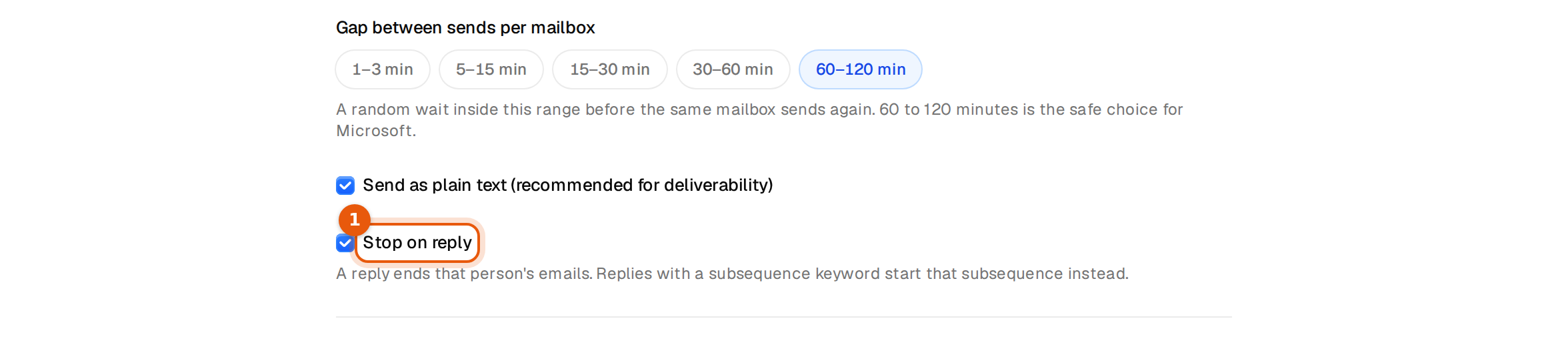
| Stop on reply | A reply ends that person's emails, unless it starts a subsequence. | On |
| Bounce protection | Pauses the campaign when too many addresses bounce, or when all its mailboxes are offline. | On, 10% after 100 people |
The timezone list has the common business regions: four US zones, Canada Eastern, United Kingdom, Ireland, Germany and Central Europe, France, Spain, the Netherlands, Sweden, Australia Sydney and Singapore. You can type in the field to find one.
How fast will it send?
A campaign sends up to the lowest of three limits:
- its own Daily send limit,
- the daily limits of its mailboxes added together,
- the number of sends the gap allows inside your sending hours.
Example: with the default gap of 60 to 120 minutes and sending hours from 09:00 to 17:00, one mailbox sends about 4 to 8 emails a day. Six mailboxes send about 25 to 50. To send more, add mailboxes on the Senders tab rather than shortening the gap.
Keep the gap at 60 to 120 minutes unless you have a reason to change it. The Settings tab calls it the safe choice for Microsoft mailboxes. Shorter gaps send faster, but quick bursts from one mailbox look automated to the receiving mail servers.
Common mistakes
- Nothing goes out in the morning. Check the timezone. A campaign set to US Eastern starts at 09:00 New York time, which is 14:00 in London.
- The daily limit is 500 but only 30 go out. The mailboxes' own limits and the gap are lower. See Daily sending limits.
- The campaign launched but waits. A planned start date in the future holds it until that day. Clear the field to start now.
- Changes did not stick. You left the tab without clicking Save settings.
Good to know
- Sending hours are the same for all contacts in a campaign. To write to the US and Europe at good local times, make one campaign per region.
- Argorant does not add open or click tracking. Plain emails without tracking reach the inbox more often.
- Subsequences follow the same hours, days and limits as their campaign.