
You can change almost everything in a campaign while it sends. There is no need to pause first. Every change applies to emails that have not gone out yet. Emails that were already sent stay exactly as they were.
What you can change, and when it takes effect
| Tab | What you can change | Takes effect |
|---|---|---|
| Emails | Subject and text of every email, variants, wait times between emails, and new follow-ups at the end. | From the next email that goes out after you click Save |
| Subsequences | Keywords, timing and the subsequence emails. | For replies that arrive after you save |
| Settings | Hours, days, timezone, daily limit, gap, Stop on reply and bounce protection. | From the next send. People waiting for their next email are rescheduled to the new times. |
| Senders | Add mailboxes with Add mailboxes, or tick some and click Remove 2 from campaign (the number is how many you ticked). | From the next send |
| Leads | Add people with Add leads. | New people start at email 1 in the next sending window |
Edit the emails of a sending campaign
- Open the campaign and click the Emails tab.
- Click the email you want to change and edit it. The status next to the buttons reads Unsaved changes.
- Click Save. The status turns to Saved. Applies to emails not sent yet.
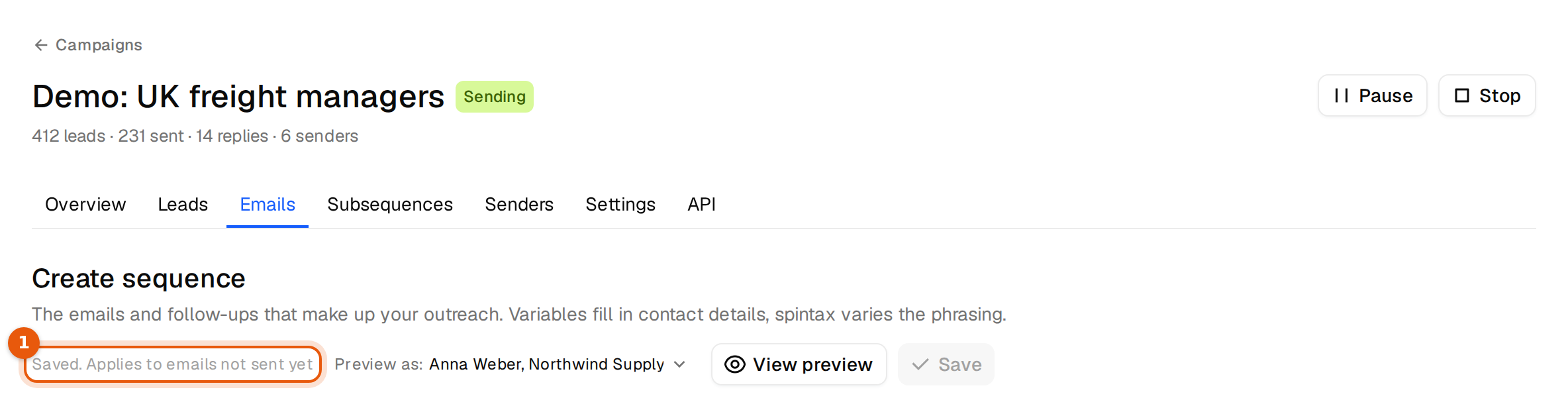
Example: you fix a typo in email 2 on Tuesday. Anna got email 2 on Monday, so her copy keeps the typo. Tom is due for email 2 on Thursday and gets the fixed version.
Follow-ups that reply in the same thread keep the subject the contact already saw, even if you change the subject of email 1. Nobody's thread breaks.
Safety checks while it sends
A running campaign sends saved text right away, so Argorant checks before it saves. If your text still contains a placeholder such as [calendar link], it asks first:
This campaign is sending. Save anyway and send [calendar link] exactly as written?
Click Cancel and fix the text, unless the bracket is on purpose.
Removing an email from a running sequence also asks first: Remove this email from the sequence? Think it through before you remove an email that people are about to get.
If you leave the page while a save is still going out, the browser warns you. Wait until the status reads Saved.
When to pause instead
- You are rewriting several emails at once and do not want anyone to get a half-finished version. Pause, edit, check with View preview, then resume.
- A mailbox has a problem. Pause, fix it in Inboxes, then resume.
When to start a new campaign
For a new offer, a new audience or a new first email, start a new campaign. People who already got the old first email would otherwise get follow-ups that do not match it, and your numbers would mix two different tests. Keep the old campaign for its results.